Your brand, up close.
The social app for digital marketing. Share your work, grow your audience and talk to your customers.
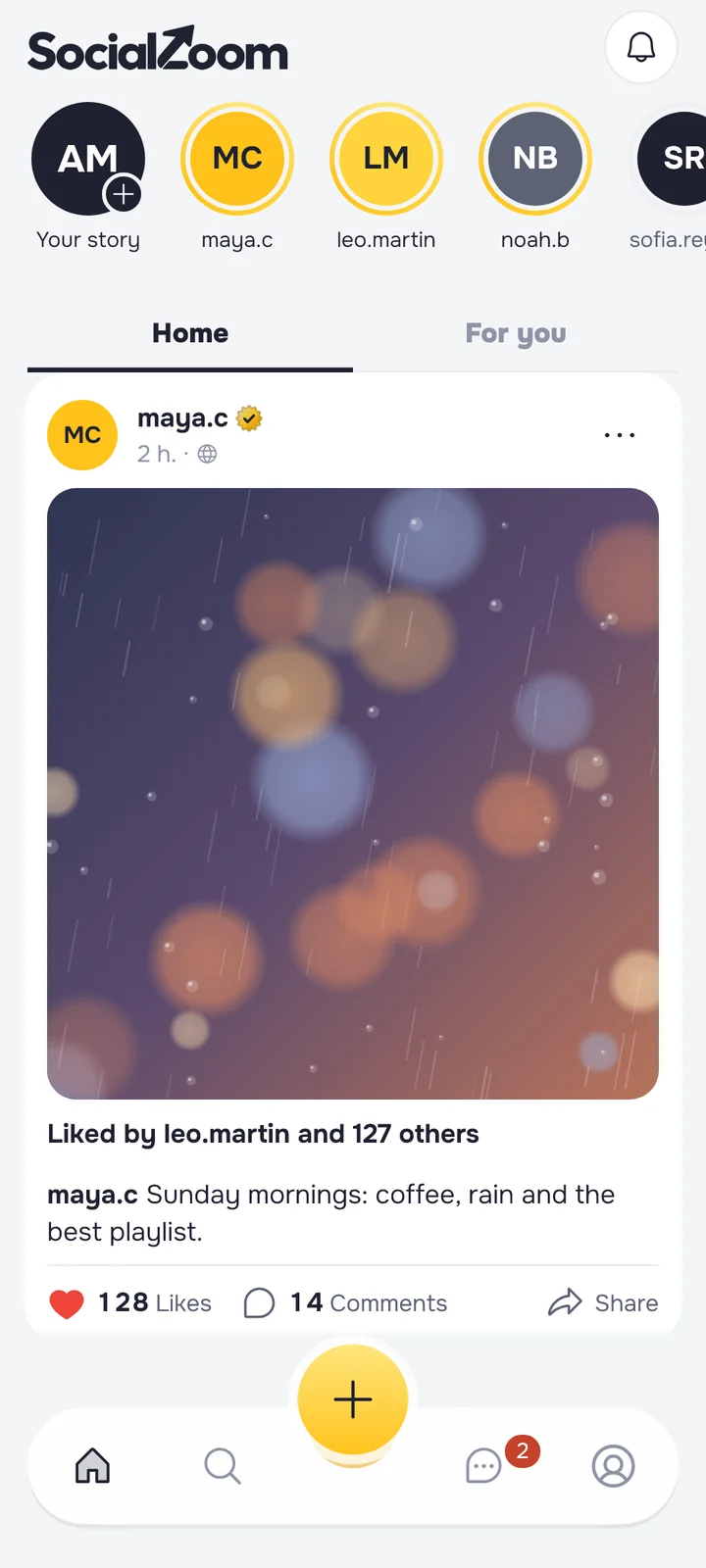

Post the work you’re proud of.
Photos and videos with captions, hashtags and @mentions, plus stories that last a day.
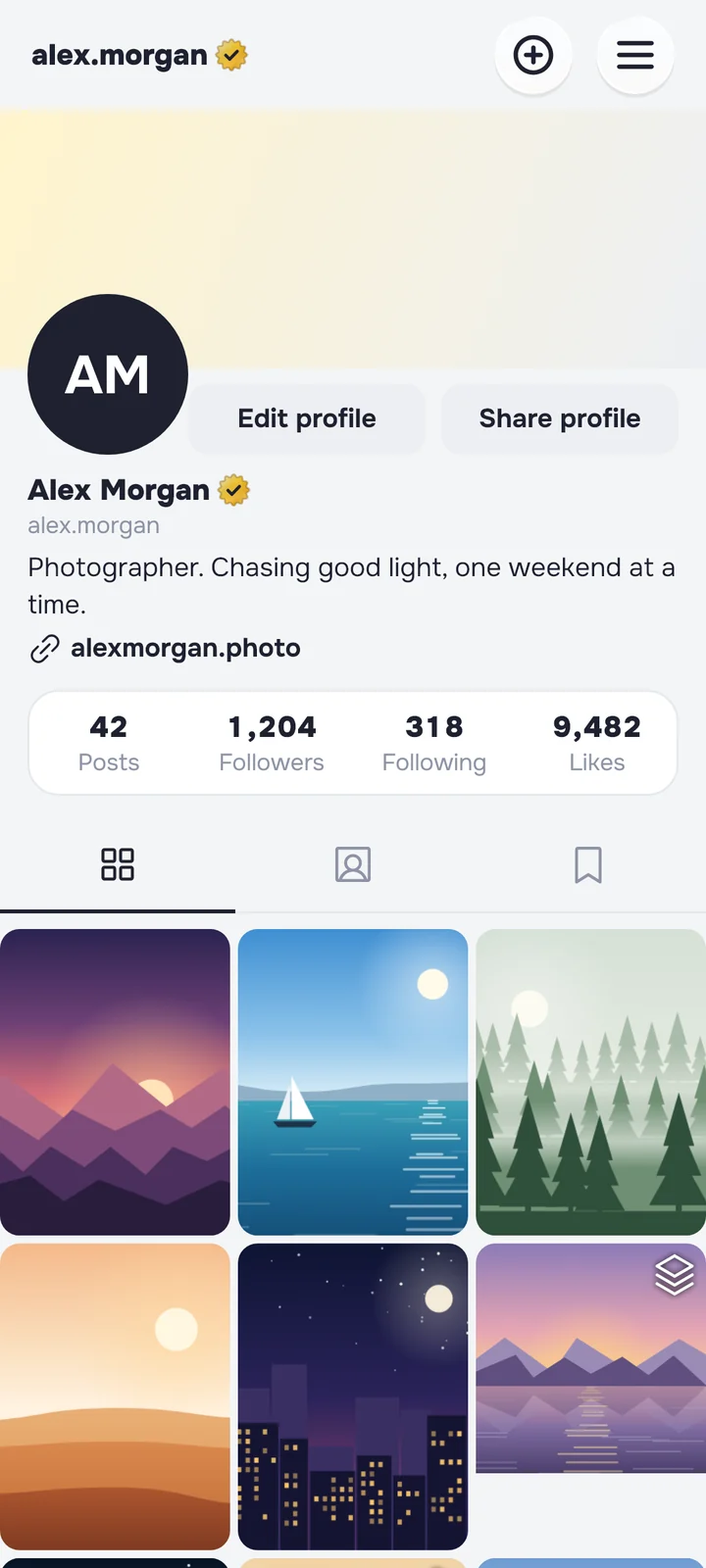
A profile that works like a shop window.
Your photo, bio and a link to your site, with your best posts pinned to the top.
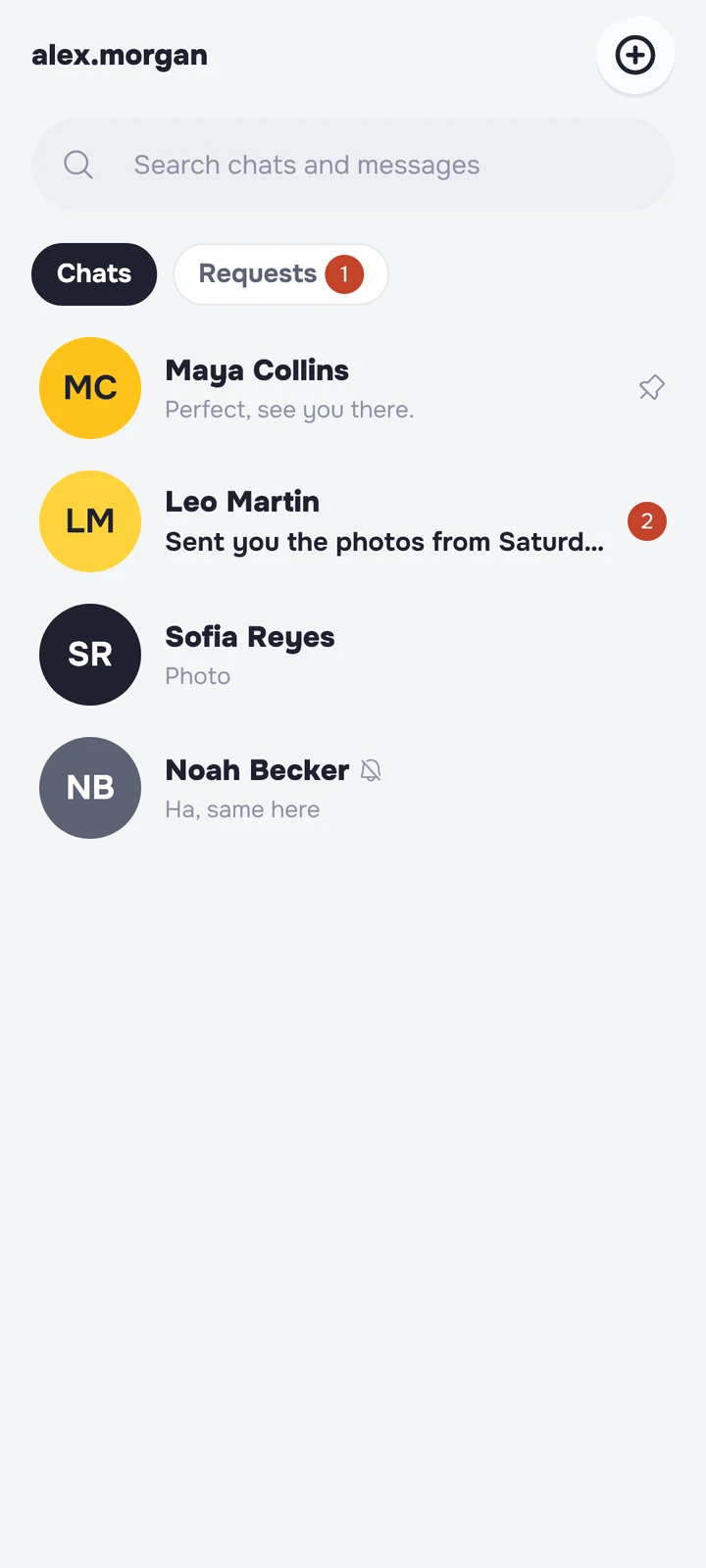
Talk to your customers.
Answer questions in chat, send photos and videos, and keep strangers in Requests.
Say it, then let it go.
With vanish mode on, messages disappear once they’ve been seen and the chat is closed.
You set the limits.
Hidden words
Offensive words stay out of your comments.
Your devices
See every sign-in and sign out the rest.
Block and report
From any profile or post.
Your data
Download it, or delete your account.
Your data isn’t for sale.
We don’t sell your personal data to anyone. The Privacy Policy explains what we collect and why.
Read the Privacy PolicyQuestions
Who is SocialZoom for?
Small businesses, creators and marketers, and anyone who wants to share their work and build an audience. You don’t need a business to join.
When can I download SocialZoom?
We’re finishing the last checks with Apple and Google. The App Store and Google Play buttons on this page go live the day the apps are approved.
Is SocialZoom free?
Yes, SocialZoom is free to use. Paid plans, such as SocialZoom Pro, add extras like the verified tick.
Can I use SocialZoom for my business?
Yes. Post your products and your work, add a link to your site, and talk to customers in messages. Keep it honest: the Community Guidelines explain the rules for promoting a business.
How old do I need to be?
You need to be 13 or older. We ask for your date of birth when you sign up.
How does vanish mode work?
Turn it on in any chat. Messages sent while it’s on disappear once they’ve been seen and the chat is closed.
Do you sell my data?
No. We never sell personal data. The Privacy Policy explains what we collect and why.
How do I report something?
Tap the three dots on the post or profile and choose Report. For anything involving a child’s safety, read our Child Safety Standards.
How do I delete my account?
In the app, go to Settings and choose Delete account. You can also delete it on this website.
Can’t find what you need? Help and contact

Get SocialZoom.
Free on the App Store and Google Play.